Good scanning habits save time later. A clean scan is easier to compress, OCR, merge, sign, and submit.
Worked example
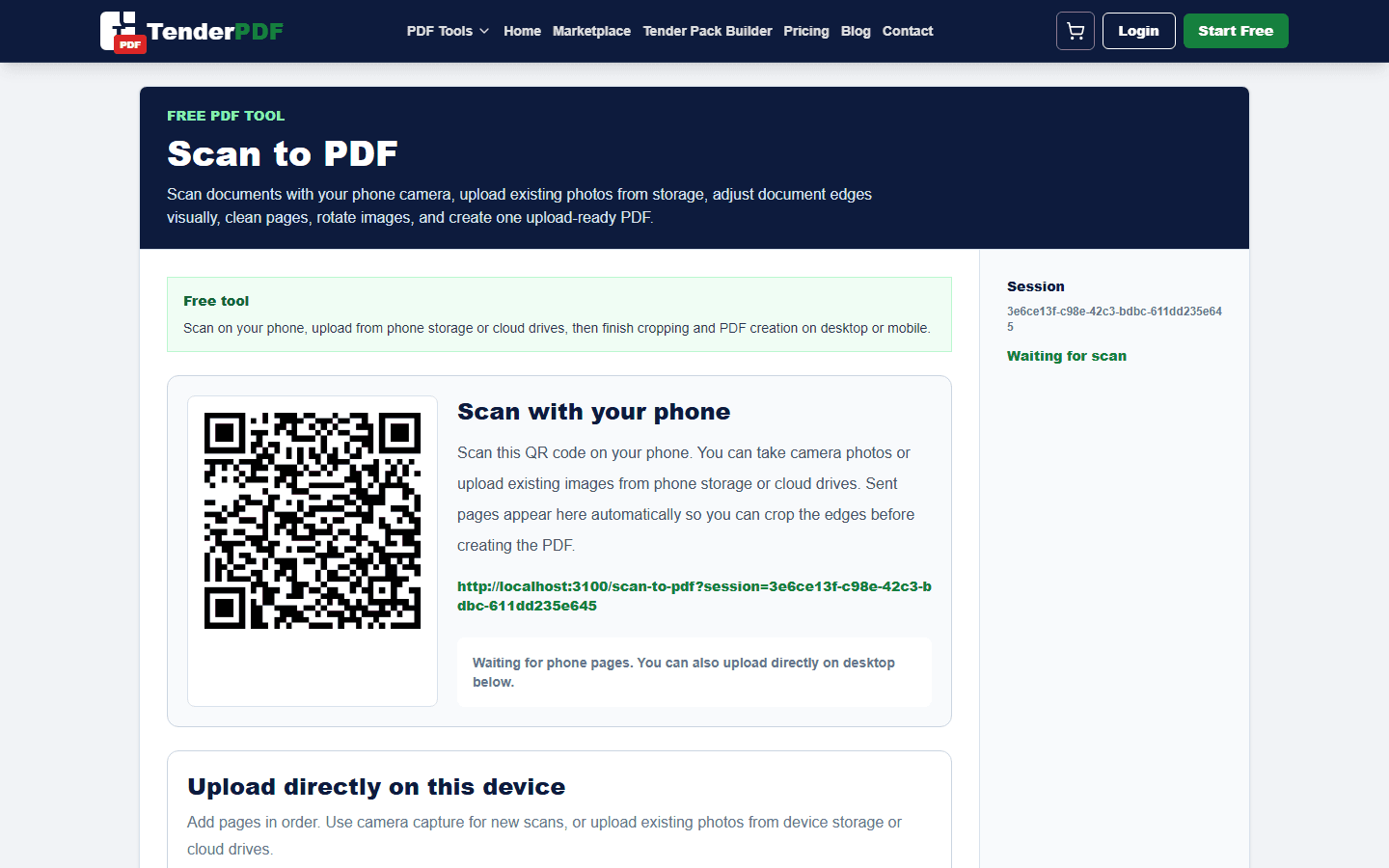
Example: scan a certificate by phone, correct all four document corners, improve contrast, confirm the seal and expiry date remain readable, and send it back to desktop.
How this guide was prepared
TenderPDF publishes reviewed, people-first guidance. Product guides are checked against the live workflow, regulated topics link to official sources, and material changes are recorded by the editorial team.
Read our editorial standardsWhen this workflow matters
This workflow matters when a document must be clear, complete, easy to review, and ready for upload or sharing. It is especially important for tenders, compliance packs, contracts, reports, finance documents, and business records where small mistakes can delay approval.
A practical way to prepare the file
Place the document on a flat surface, use enough light, align the page, crop the edges, and save each page in the correct order.
Quality checks before you send it
Check readability before leaving the scanning step. If you cannot read a stamp, number, or signature on your phone, the recipient may also struggle.
Useful TenderPDF tools for this guide
Continue the workflow with related PDF tools. These internal links help you move from the guide into the exact document action you need.
Related business and tender services
These service pages connect this guide to TenderPDF support workflows for compliance, tender readiness, and supplier documentation.
Quick checklist
Download checklist- Use good lighting
- Keep pages flat
- Crop edges
- Check readability
Frequently asked questions
What should I check before following this how to scan paper documents to pdf cleanly guide?
Confirm that you are working from the latest document or official requirement, keep an original copy, and review the final output before submitting or relying on it.
Can TenderPDF help with this workflow?
Yes. The Scanner Cleanup workflow can help you prepare the related document, but you remain responsible for reviewing the final file.
Should I verify legal, tax, tender, or compliance requirements?
Yes. Requirements can change and may depend on your business or project. Confirm current rules with the relevant authority or a qualified professional before acting.
Related guides
Continue with nearby TenderPDF guides that support the same document workflow.
Prepare your documents online
Use TenderPDF to process, organize, and prepare PDF documents for upload, sharing, and business workflows.