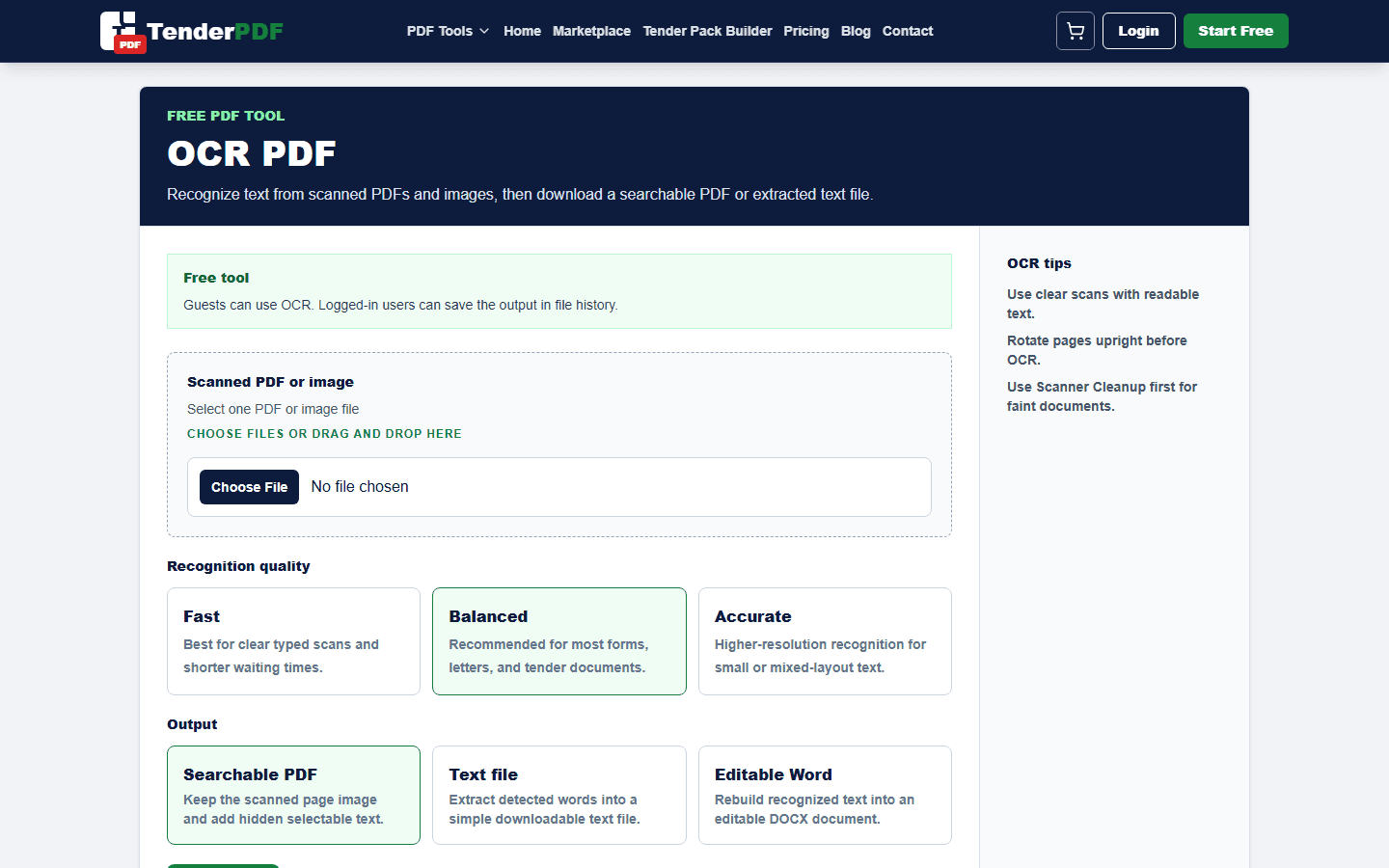
A scanned PDF often looks like a normal document, but the text may only exist as an image. OCR helps detect the words on the page so the PDF can become searchable and easier to copy, archive, or review.
Worked example
Example: OCR a scanned certificate, search for the registration number, and verify every digit against the image before relying on extracted text.
How this guide was prepared
TenderPDF publishes reviewed, people-first guidance. Product guides are checked against the live workflow, regulated topics link to official sources, and material changes are recorded by the editorial team.
Read our editorial standardsWhen OCR is useful
OCR is useful for scanned certificates, letters, signed forms, statements, old contracts, and tender documents received as image-based PDFs. It helps you search for names, registration numbers, dates, and document headings.
Scan quality matters
OCR accuracy depends on the quality of the scan. Clear contrast, straight pages, readable text, and enough resolution help the OCR engine detect words more accurately. Blurry, skewed, or dark scans may need cleanup first.
Check sensitive documents carefully
After OCR, search for important names, numbers, and dates to confirm the result. OCR can make mistakes, especially on stamps, handwriting, faded scans, and tightly spaced tables.
Useful TenderPDF tools for this guide
Continue the workflow with related PDF tools. These internal links help you move from the guide into the exact document action you need.
Related business and tender services
These service pages connect this guide to TenderPDF support workflows for compliance, tender readiness, and supplier documentation.
Quick checklist
Download checklist- Use a clear scan
- Rotate pages before OCR
- Use scanner cleanup for dark or noisy pages
- Check names, dates, and numbers after OCR
Frequently asked questions
What should I check before following this ocr pdf: make scanned documents searchable guide?
Confirm that you are working from the latest document or official requirement, keep an original copy, and review the final output before submitting or relying on it.
Can TenderPDF help with this workflow?
Yes. The OCR PDF workflow can help you prepare the related document, but you remain responsible for reviewing the final file.
Should I verify legal, tax, tender, or compliance requirements?
Yes. Requirements can change and may depend on your business or project. Confirm current rules with the relevant authority or a qualified professional before acting.
Related guides
Continue with nearby TenderPDF guides that support the same document workflow.
Prepare your documents online
Use TenderPDF to process, organize, and prepare PDF documents for upload, sharing, and business workflows.