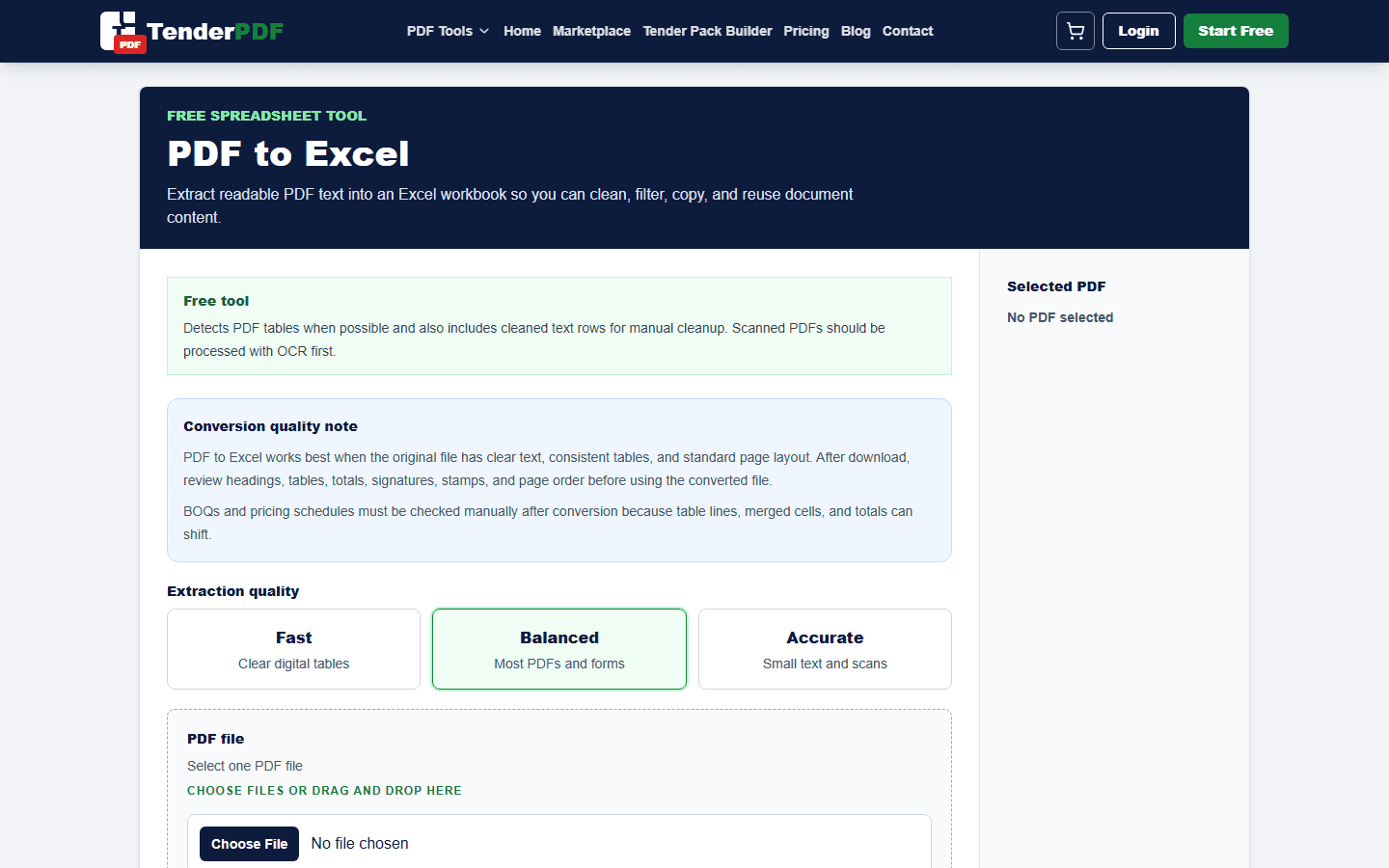
Many pricing schedules, BOQs, registers, and reports arrive as PDFs, but Excel is better for checking totals, formulas, quantities, rates, and commercial assumptions. PDF to Excel conversion helps you move table data into a workable format.
Worked example
Example: convert a BOQ, reconcile item numbers and quantities to the source, rebuild formulas, and treat the original signed schedule as the controlling document.
How this guide was prepared
TenderPDF publishes reviewed, people-first guidance. Product guides are checked against the live workflow, regulated topics link to official sources, and material changes are recorded by the editorial team.
Read our editorial standardsBest use cases
PDF to Excel is useful for BOQs, price schedules, quantity tables, attendance registers, payment summaries, equipment lists, and other structured tables that need checking or further analysis.
Review extracted data carefully
PDF tables can be complex. Merged cells, narrow columns, scanned pages, and multi-line descriptions can affect the output. Always check quantities, rates, totals, VAT, and headings before relying on the spreadsheet.
Use Excel for commercial review
Once the table is in Excel, you can check arithmetic, compare rates, filter items, add notes, and prepare a clearer commercial review. This is especially helpful for tender pricing and cost-profit analysis.
Useful TenderPDF tools for this guide
Continue the workflow with related PDF tools. These internal links help you move from the guide into the exact document action you need.
Related business and tender services
These service pages connect this guide to TenderPDF support workflows for compliance, tender readiness, and supplier documentation.
Quick checklist
Download checklist- Use clean table PDFs where possible
- Check quantities and totals after conversion
- Review merged cells and long descriptions
- Keep the original PDF for comparison
Frequently asked questions
What should I check before following this pdf to excel for tables, boqs, and price schedules guide?
Confirm that you are working from the latest document or official requirement, keep an original copy, and review the final output before submitting or relying on it.
Can TenderPDF help with this workflow?
Yes. The Convert PDF to Excel workflow can help you prepare the related document, but you remain responsible for reviewing the final file.
Should I verify legal, tax, tender, or compliance requirements?
Yes. Requirements can change and may depend on your business or project. Confirm current rules with the relevant authority or a qualified professional before acting.
Official resources
Requirements can change. Use official sources for current rules, portal steps, and compliance requirements.
Related guides
Continue with nearby TenderPDF guides that support the same document workflow.
Prepare your documents online
Need help reviewing BOQs, tender pricing, or pricing assumptions? TenderPDF can assist with commercial document review and preparation.